


















Sourcery MCP
Let your coding agent request Sourcery reviews and fix the comments and security findings itself


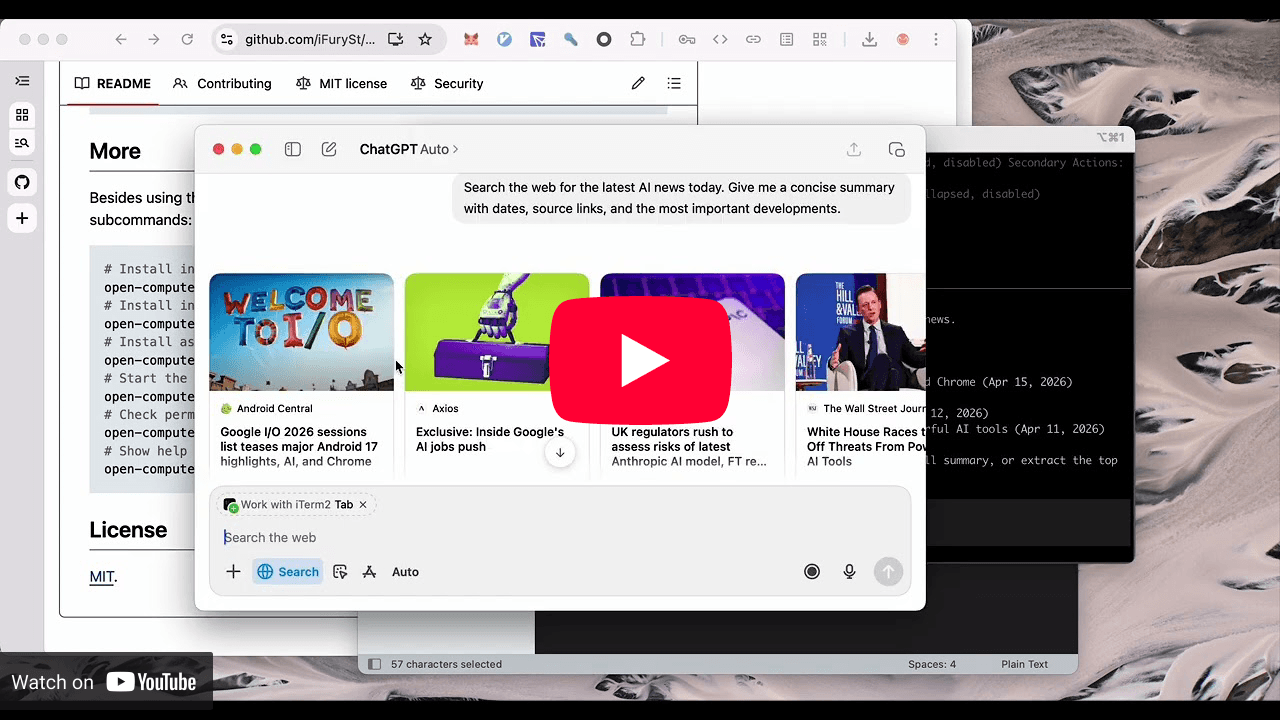
Open source computer use MCP server for macOS, Linux and Windows
About
## What it does The server exposes tools such as `list_apps`, `get_app_state` and `press_key`, so an agent can inspect a running app, find an element by index and act on it. On macOS it also supports Locked Use: it can unlock a locked Mac temporarily so the agent keeps working, with a full screen shield in place. ## Install `npm i -g open-computer-use`, then run `ocu` once on macOS to grant Accessibility and Screen Recording. Wire it into your agent with `ocu install-claude-mcp`, `ocu install-codex-mcp`, `ocu install-gemini-mcp` or `ocu install-opencode-mcp`, or add `{"command": "open-computer-use", "args": ["mcp"]}` to any MCP config. ## Extras There is a companion skill (`npx skills add iFurySt/open-computer-use --skill open-computer-use`), a `doctor` command for permissions, and a `call` command to test single tools or sequences from the shell.
Features
Install
I compare five ways to give an AI agent a browser, from local Chrome over MCP to hosted cloud browsers, with real install commands and pricing.
Seven tools that cut Claude Code, Codex and Cursor token usage by compressing shell output, searching code and fetching current docs, with honest caveats.
How Grok Bot, a persistent personal agent, differs from coding agents like Claude Code and Codex, and when it makes sense to use each one or both together.
Let your coding agent request Sourcery reviews and fix the comments and security findings itself
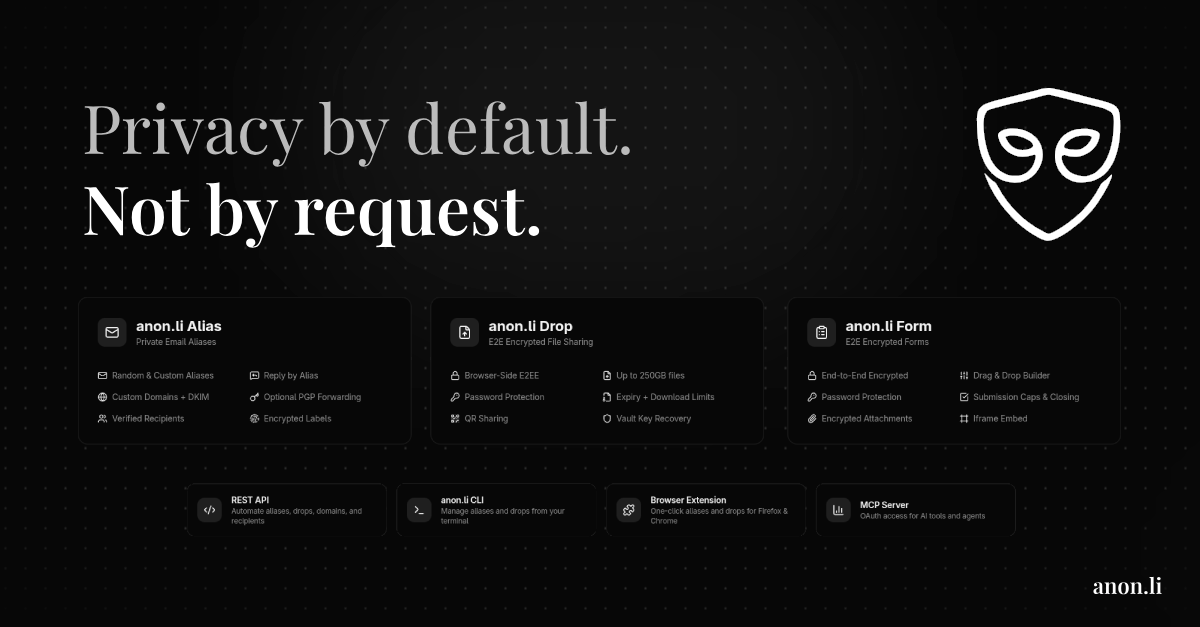

Let your agent manage private email aliases and encrypted file drops over OAuth MCP


Turn images in ChatGPT into editable SVG through a remote MCP server
Free. I review every submission.
is in the review queue. I'll install it, test it and list it if it passes.