











anon.li
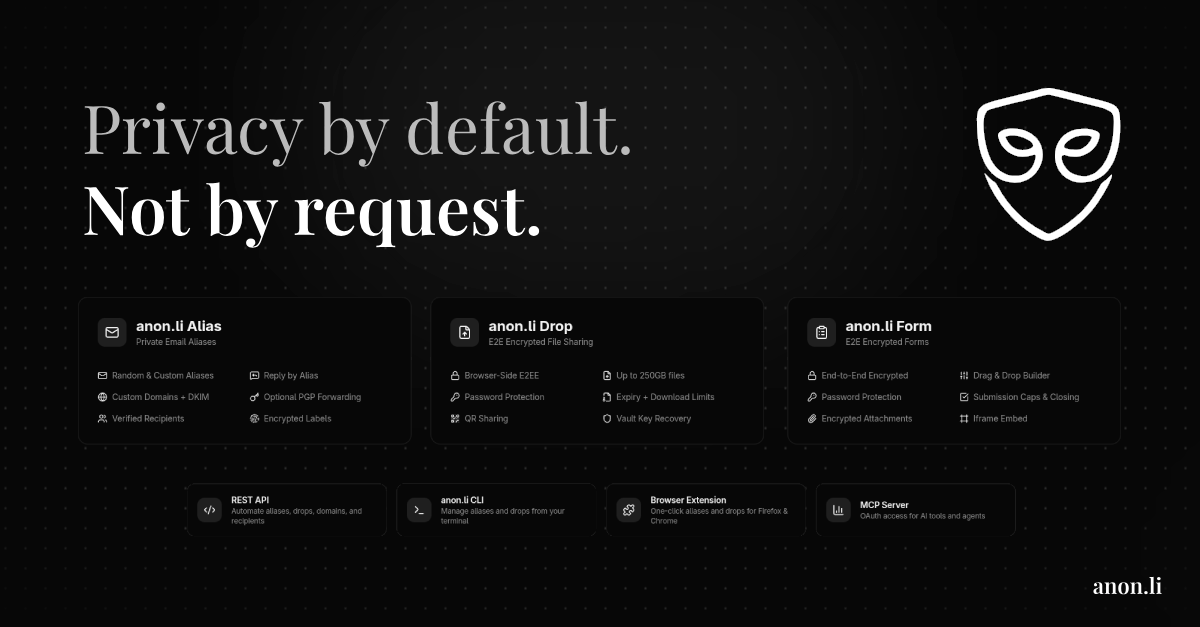
Let your agent manage private email aliases and encrypted file drops over OAuth MCP


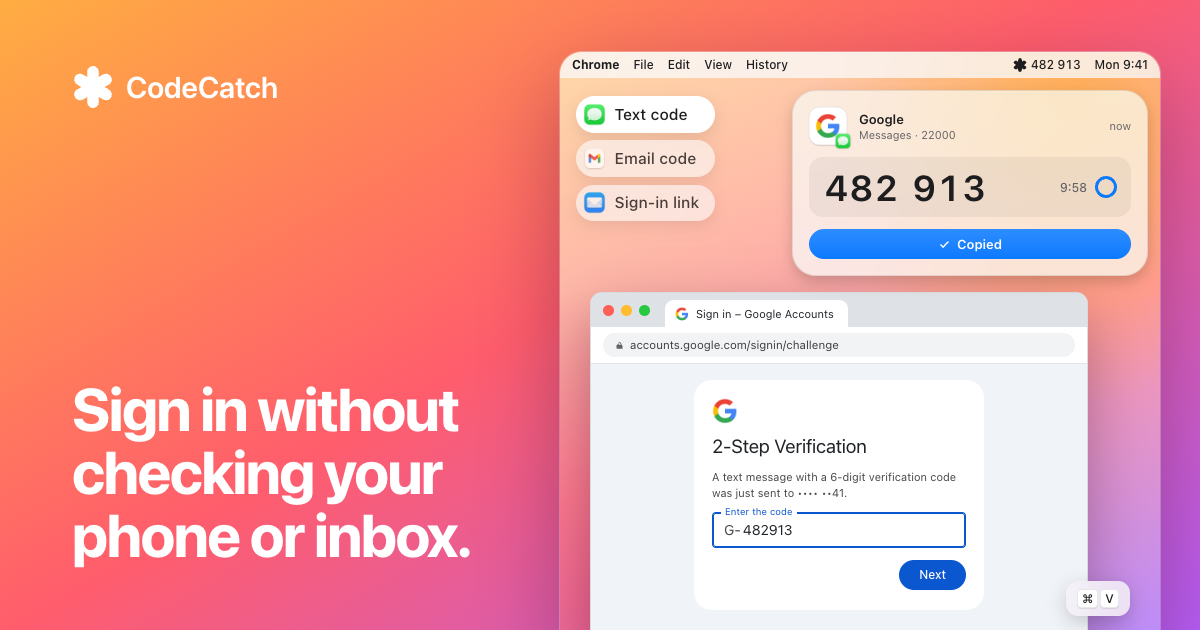
Mac menu bar app that grabs 2FA codes and sign-in links from texts and email, for you and your agents
About
It reads iMessage, forwarded SMS, the Mail app, Gmail, Outlook and any IMAP account, and can show your Bitwarden TOTP codes alongside them. A copied code is cleared from the clipboard after 90 seconds, and recent codes stay in the menu bar. For sign-in and password reset links it warns when the link leads to a different site than the sender's, and never opens one by itself. Agent access is off by default: turn on Let Agents Ask for Codes in Settings, then click Connect next to Claude Code, Codex or Cursor to add a small skill, or run codecatch get github.com --json from a script. You approve each code with Touch ID, allow a site and app permanently, or allow everything (which also needs Touch ID). Sign-in links for agents have a separate switch, and only mail from the site's own domain counts. Codes stay on the Mac and the agent lookup makes no network calls. It needs macOS 15 or later on Apple silicon or Intel, plus Full Disk Access to read Messages and Apple Mail. The source is GPL-3.0 on GitHub (ugzv/CodeCatch), and it was a Show HN on 2026-10-22.
Features
Install
The Grok Bot marketplace now takes connector submissions. What to build, how to submit, and how bot templates turn a connector into signups.
Official MCP servers that let your agent read your bank, CRM, database, deployments and designs, so you can run the business by asking.
Six building blocks that turn a chat model into an agent that can work on its own: an inbox, memory, a safe place to run code, app access, background jobs and tracing.
Free. I review every submission.
is in the review queue. I'll install it, test it and list it if it passes.