Claude Code
 Codex
 Cursor














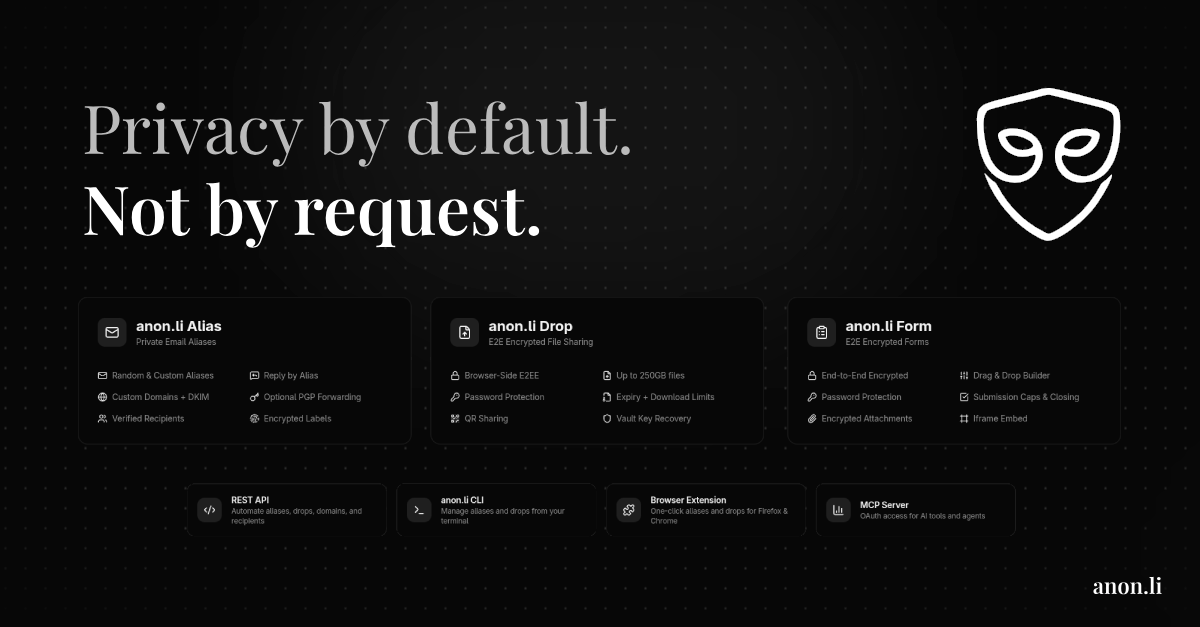

anon.li
Let your agent manage private email aliases and encrypted file drops over OAuth MCP


Live video API your coding agent can set up on its own, then prove works by reading back the recording
About
In Claude Code run claude mcp add --transport http synento https://api.synento.com/mcp, then run /mcp and choose synento to sign in through your browser (OAuth 2.1). In Cursor or VS Code add https://api.synento.com/mcp as a remote MCP server. For headless agents or CI, create an agent token in the dashboard under Agents and pass it as an Authorization: Bearer header. Then ask your agent to add live video to your app and prove it works. Things to know: the agent checks its own work through GET /v1/sessions/{id}/manifest, where a track only appears once real frames arrived; the API key stays server side and browsers join with one hour connection tokens. Free calls are up to 4 people with recordings kept up to 7 days.
Features
Install
Official MCP servers that let your agent read your bank, CRM, database, deployments and designs, so you can run the business by asking.
Five tools that give Claude Code memory across sessions, agents and machines, with install commands, honest caveats and when CLAUDE.md is enough.
Seven tools that cut Claude Code, Codex and Cursor token usage by compressing shell output, searching code and fetching current docs, with honest caveats.
Free. I review every submission.
is in the review queue. I'll install it, test it and list it if it passes.